
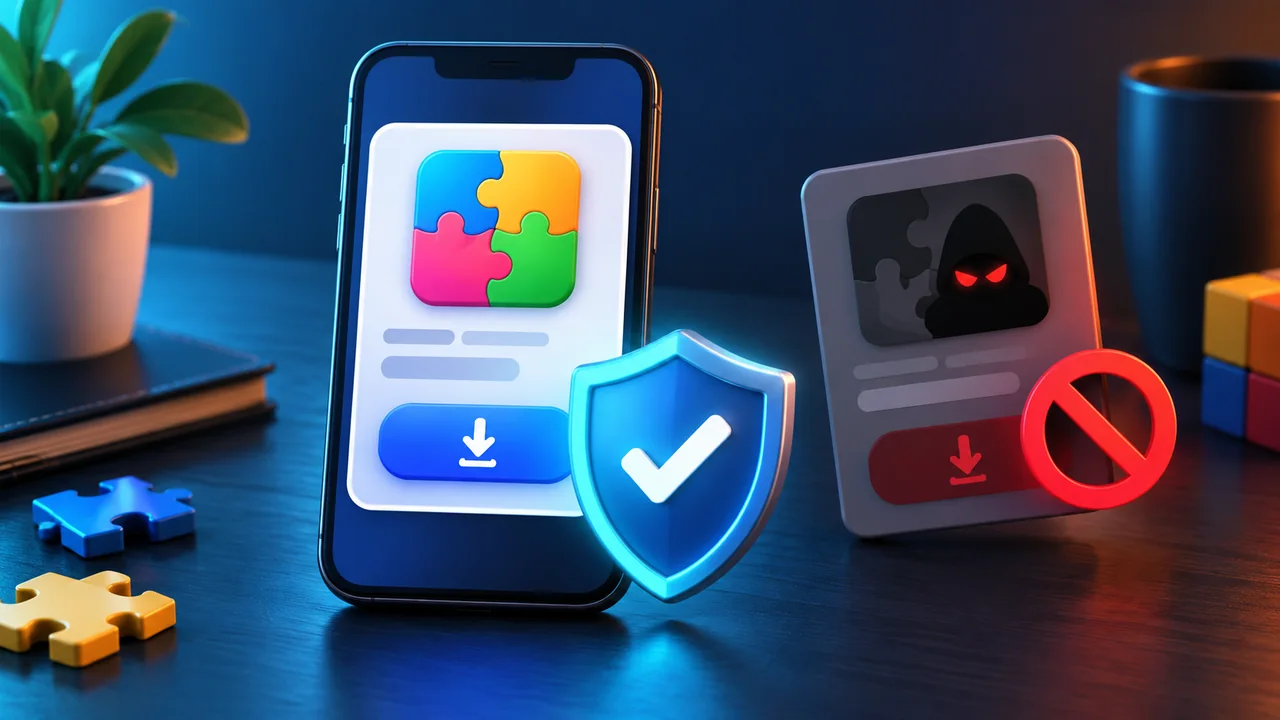
For an old mobile game, the safest answer is not “find any APK.” First confirm whether the app remains available in the official store for your device and region. If it is absent, treat third-party catalogues as historical evidence—not as automatic permission or proof of a safe file.
1. Identify the exact app
Record the full title, original developer and package or bundle identifier. Names and icons can be copied, while a package identifier is a more specific clue. Biber Games’ archived Toy Box title has been associated with com.bibergames.toyboxblast; Candy Monsters has been associated with com.bibergames.fruitcandymonsters. Even an identifier can outlive a change of ownership, so it is a starting point rather than final proof.
2. Prefer the official store
Open the platform’s store directly and search there. Compare developer name, privacy link, update date, supported operating-system version and recent reviews. Do not follow a page that imitates a store badge but leads to a different file host. Regional availability can differ, so absence in one country does not prove universal removal.
3. Investigate conflicting ownership signals
A historical catalogue may attribute an app to Biber Games while a newer store record shows another developer. That can reflect a transfer, a relisting, stale data or a different product. Until an official source explains the relationship, avoid claiming that the old developer still maintains it. This is the situation we flag on the Candy Monsters archive page.
4. Review permissions in context
A puzzle game may reasonably need network access for ads or online services, but requests for contacts, messages, accessibility control or device administration deserve careful scrutiny. Compare the requested access with the features described. Operating systems and permission models change, so an old app may not behave safely or correctly on a modern device even if the original file was legitimate.
5. Treat emulator instructions carefully
Many catalogue pages recommend installing an emulator on a PC. That adds another software provider, account surface and permission layer. It does not turn an unofficial app package into an official one. Install only software you independently trust and obtain from its genuine publisher. Biber Games does not provide emulator support.
Worked decision: an app is listed only on an APK mirror
You find the correct title and package name, but the official store returns no result. A mirror offers a file and claims it is safe. The evidence confirms that the game existed, not that this file is authentic or untampered. The conservative decision is not to install. Keep the catalogue link for identification, look for an official announcement or current developer page, and use a modern supported alternative if none exists.
What this website will and will not do
We document historical titles, source claims and availability conflicts. We do not host executables, bypass platform warnings or label third-party APKs as safe. If an official current store listing is verifiable, we may link to it with the verification date. Report a correction through Contact.
Check file claims without trusting the file host
If a catalogue lists a version number, release date or checksum, compare it with another independent historical record. Agreement improves identification but still does not prove that the offered binary is clean. A checksum only helps when it comes from a trusted original publisher and is delivered through an uncompromised channel.
Compatibility is a separate decision
An authentic old game can still be a poor installation choice. Modern Android and iOS versions may block obsolete components, and an app designed for older screens or permission models may crash or expose data unnecessarily. Never disable core platform security simply to run an abandoned puzzle game. A sandboxed spare device does not make rights or malware concerns disappear.
Preserve memories without installing
If your goal is identification or nostalgia, screenshots, archived descriptions, video footage from a trustworthy publisher and editorial records may answer the question safely. The Biber Games archive keeps original artwork and package identities specifically so a returning player does not need to install an unknown file merely to confirm a title.
Red flags that should end the search
- The page asks you to disable Play Protect, Gatekeeper or another platform safeguard.
- The downloaded filename or package differs from the listing.
- The installer requests unrelated administrative or accessibility control.
- The site uses a fake countdown, forced notification subscription or multiple misleading Download buttons.
- No current developer, privacy route or provenance can be identified.
When any of these appear, close the page and use a supported alternative. Preserving an old game does not require accepting an avoidable device or privacy risk.
How this guide was produced
The editorial team compared common puzzle objective patterns, separated version-specific rules from general decision methods, and used hypothetical worked examples rather than claiming access to an unverified current build. Submit corrections through Contact.